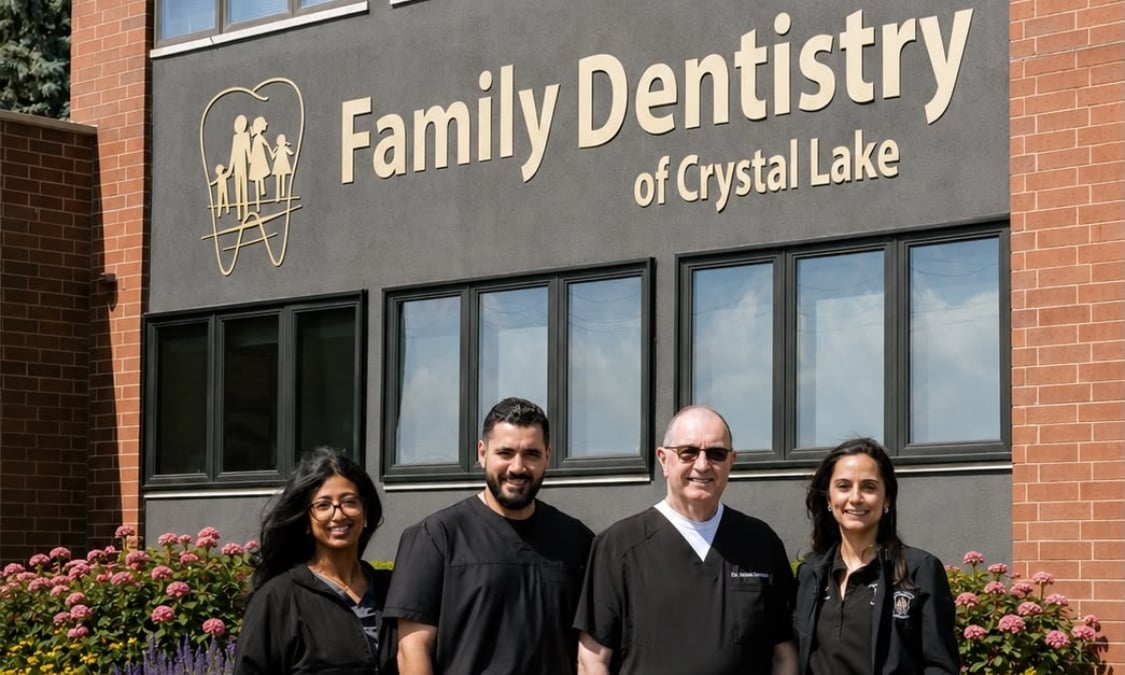
AI smile preview
See what your smile could look like
Tell us what you would change, add a selfie, and compare before and after in about a minute. Then bring it to a dentist who can tell you what is realistic for you.
- 4.9average from 365 patient reviews
- 6doctors under one roof
- Privateyour photo is only used to make your preview
How it works
- 1
Tell us what you would change
Straighter teeth, gaps, chips, missing teeth, a full new smile. Pick up to three.
- 2
Add a smiling selfie
Use your phone or your computer's camera. We check the photo before it is sent.
- 3
Compare before and after
Drag the slider across your own face. Save the image if you like.
- 4
Talk it through with a dentist
Request a visit and your answers go with it, so you do not repeat yourself.
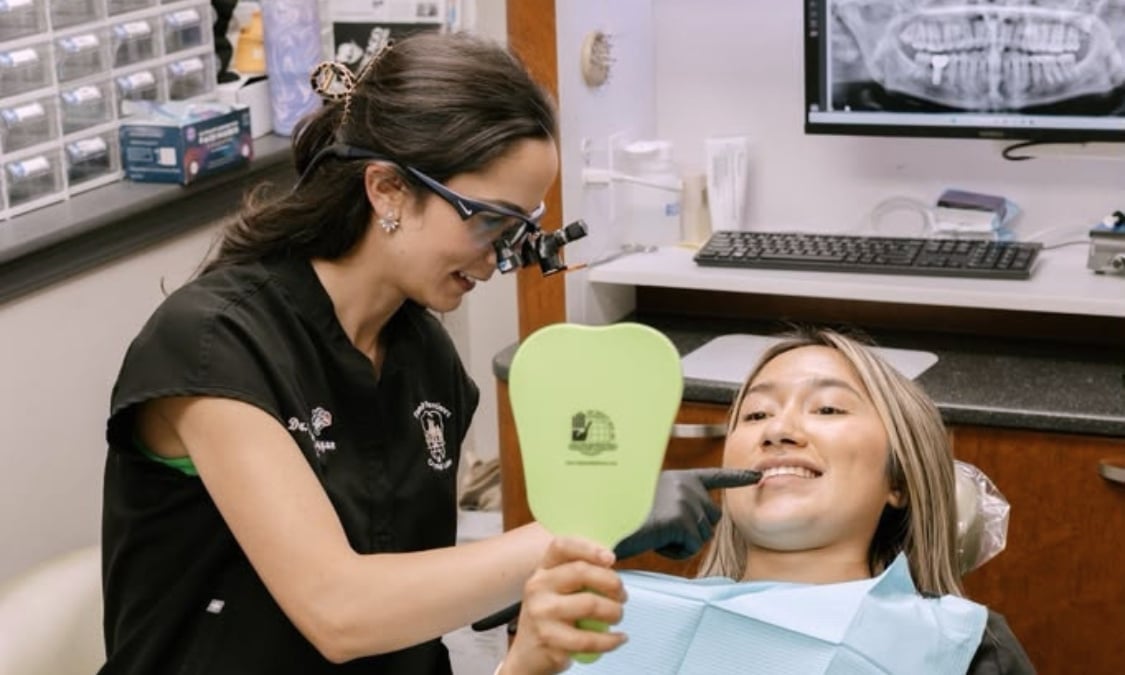
A preview is a start. A dentist is the next step.
The image shows a direction, not a treatment plan. At your visit a dentist examines your teeth and gums and goes over which options fit you: general, cosmetic and implant dentistry, all in downtown Crystal Lake.
Common questions
Is the preview what my teeth will look like?
No. It is an AI simulation for illustration, not a guarantee of results. What is possible for you depends on an exam with a dentist.
What happens to my photo?
It is sent securely to our AI provider to create your preview. We do not keep it on our servers afterward, we do not post it, and we do not use it in advertising.
Does the preview cost anything?
No, and there is no obligation to book. Fees for a visit depend on your care and your insurance. Our team can go over them with you before you come in.
What if I do not want to upload a photo?
Choose "Continue without a photo" in step 2. You still get the topics worth asking about and can request a visit.
What if I am in pain right now?
Please call us at (815) 444-6444 instead of waiting for a reply. If you think it is a medical emergency, call 911.